

Product specifications are subject to change at the hands of the seller at any time, and may be inaccurate.
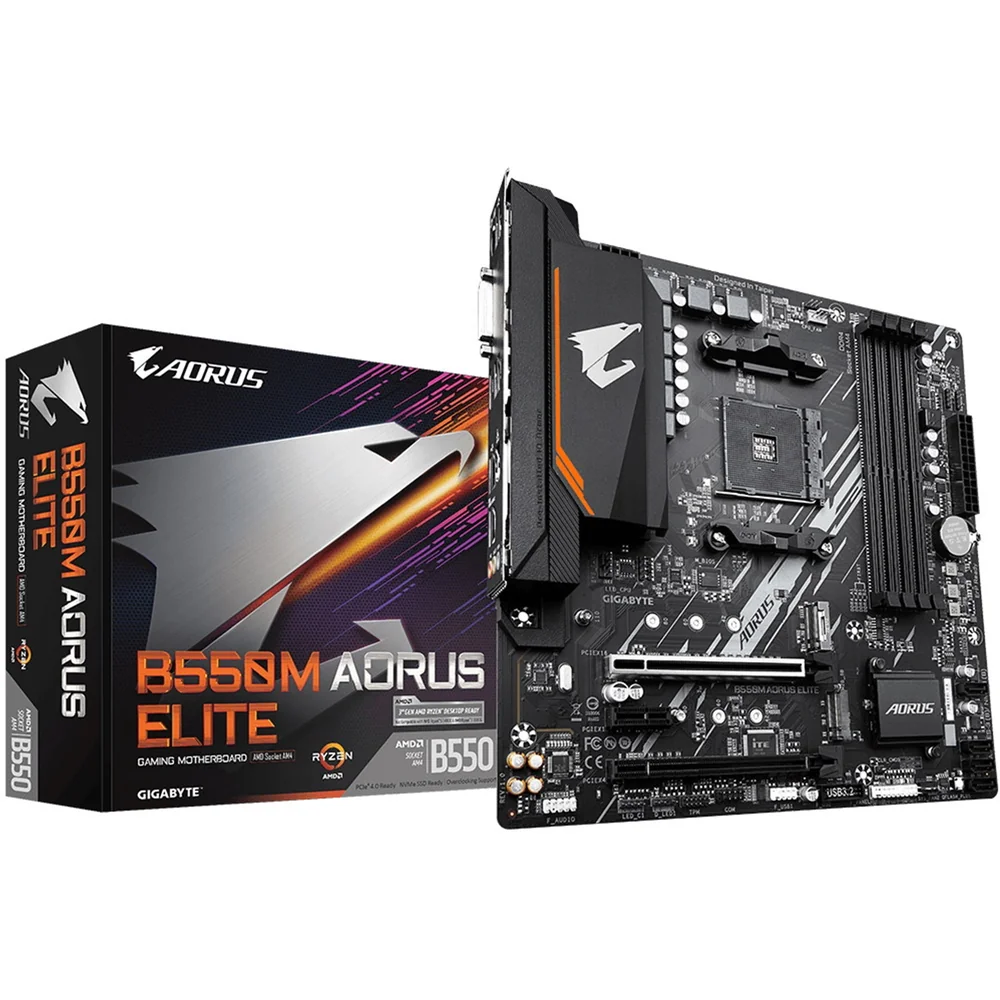
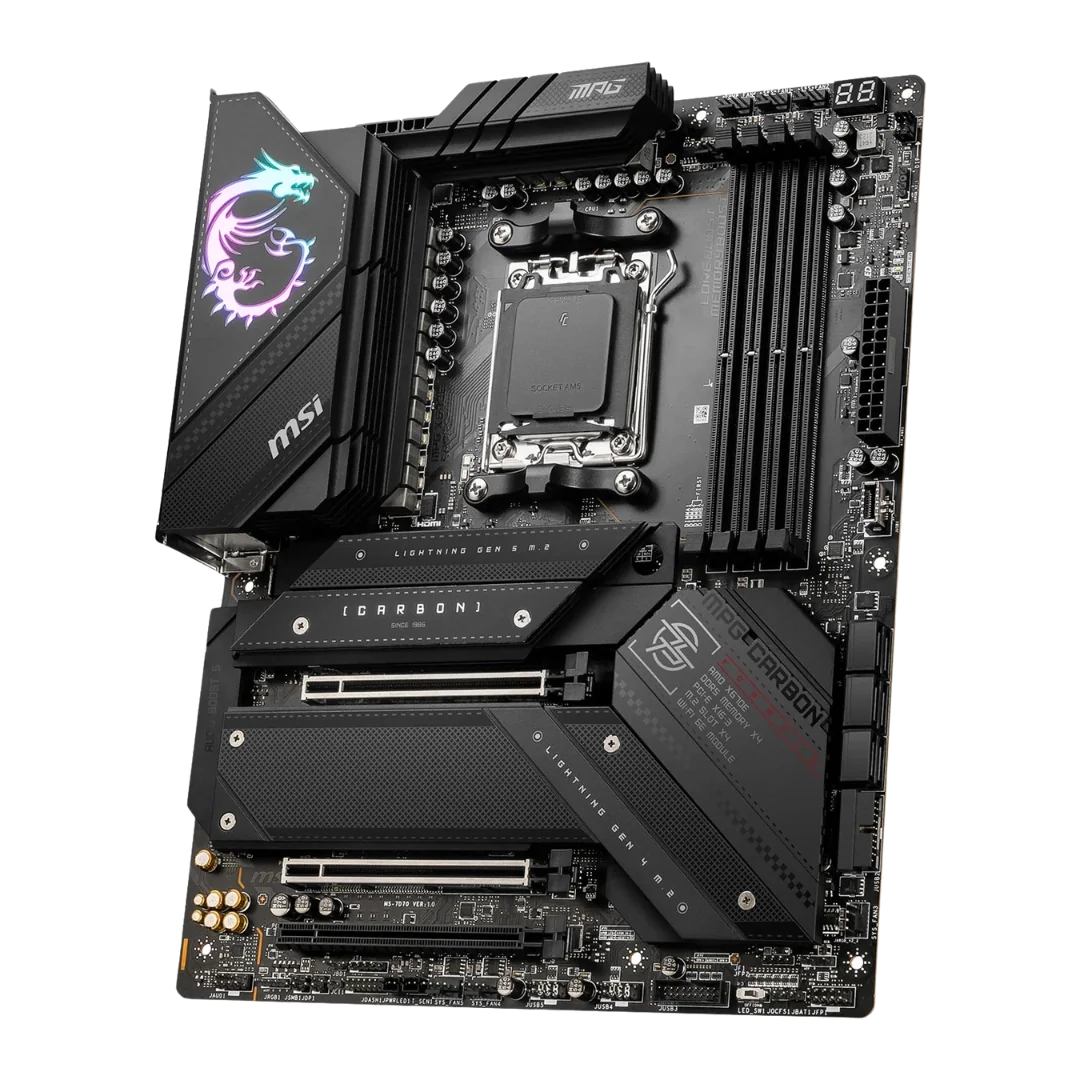
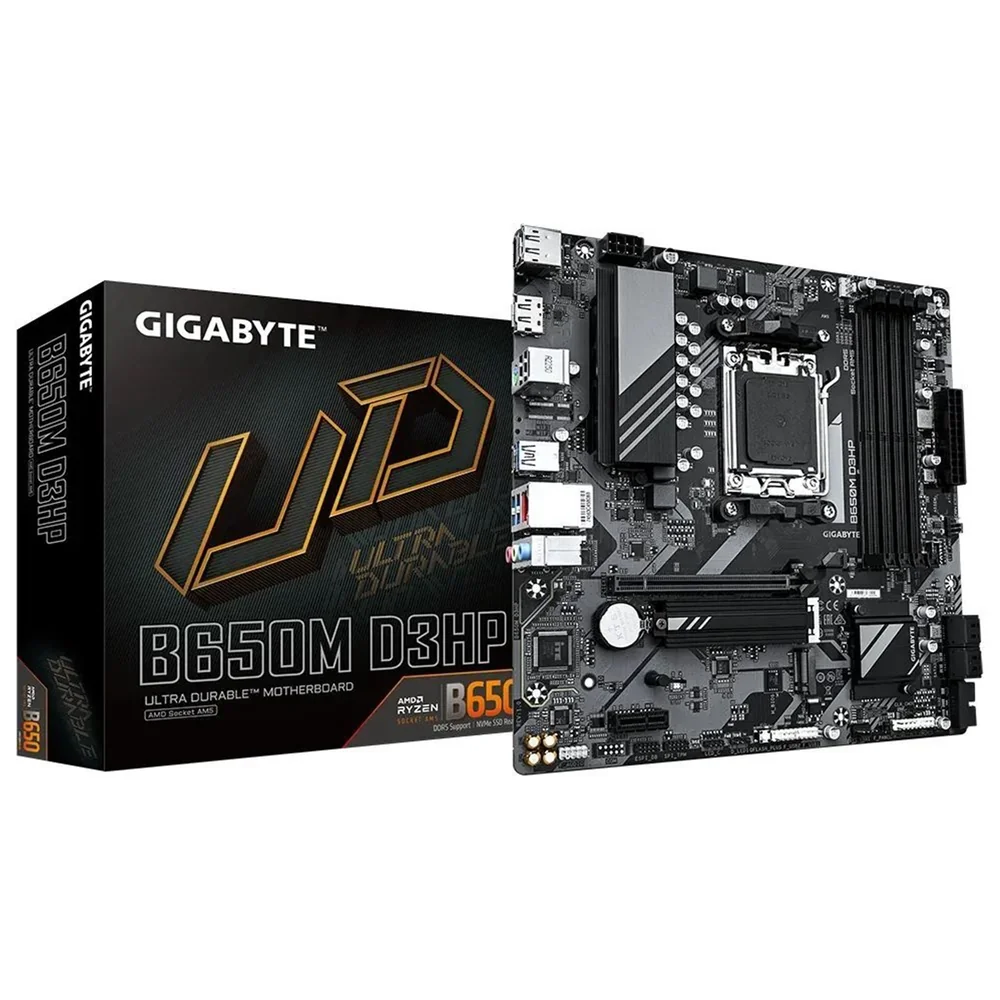
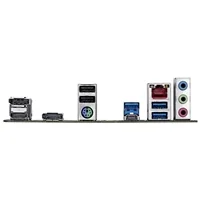
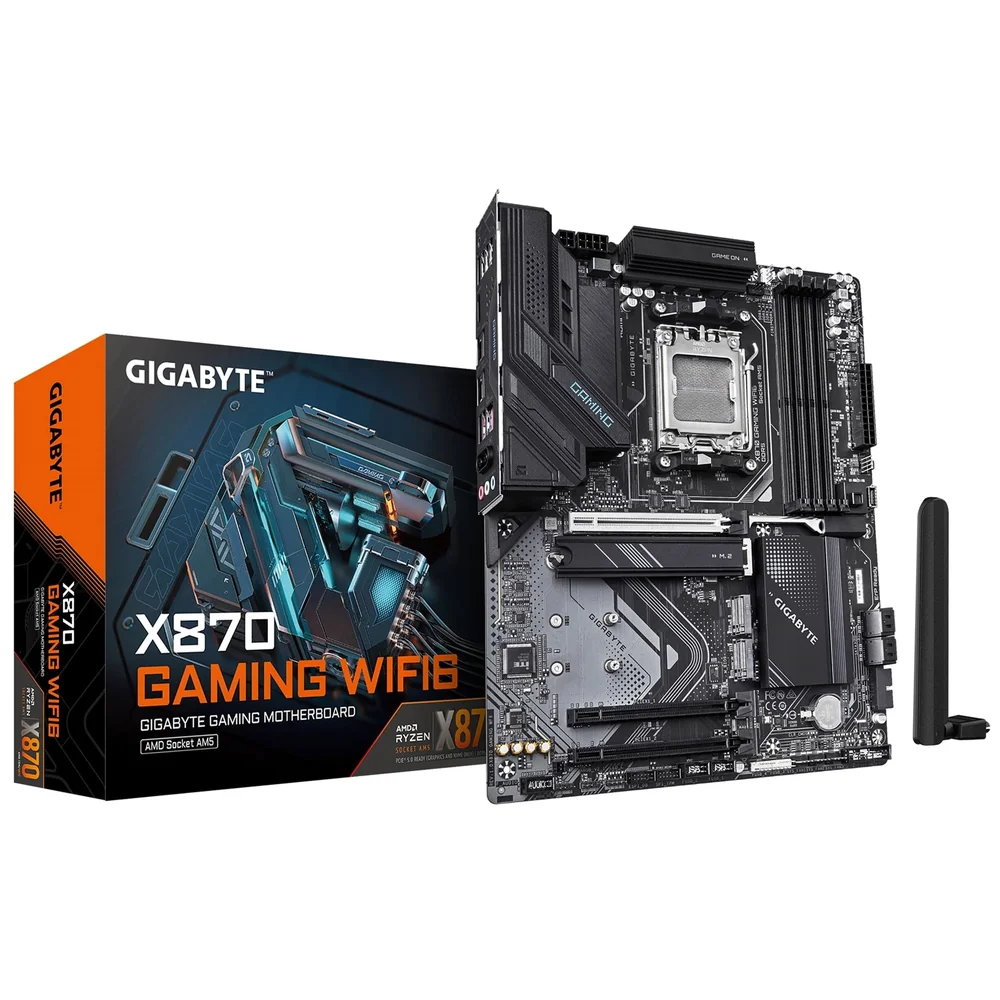
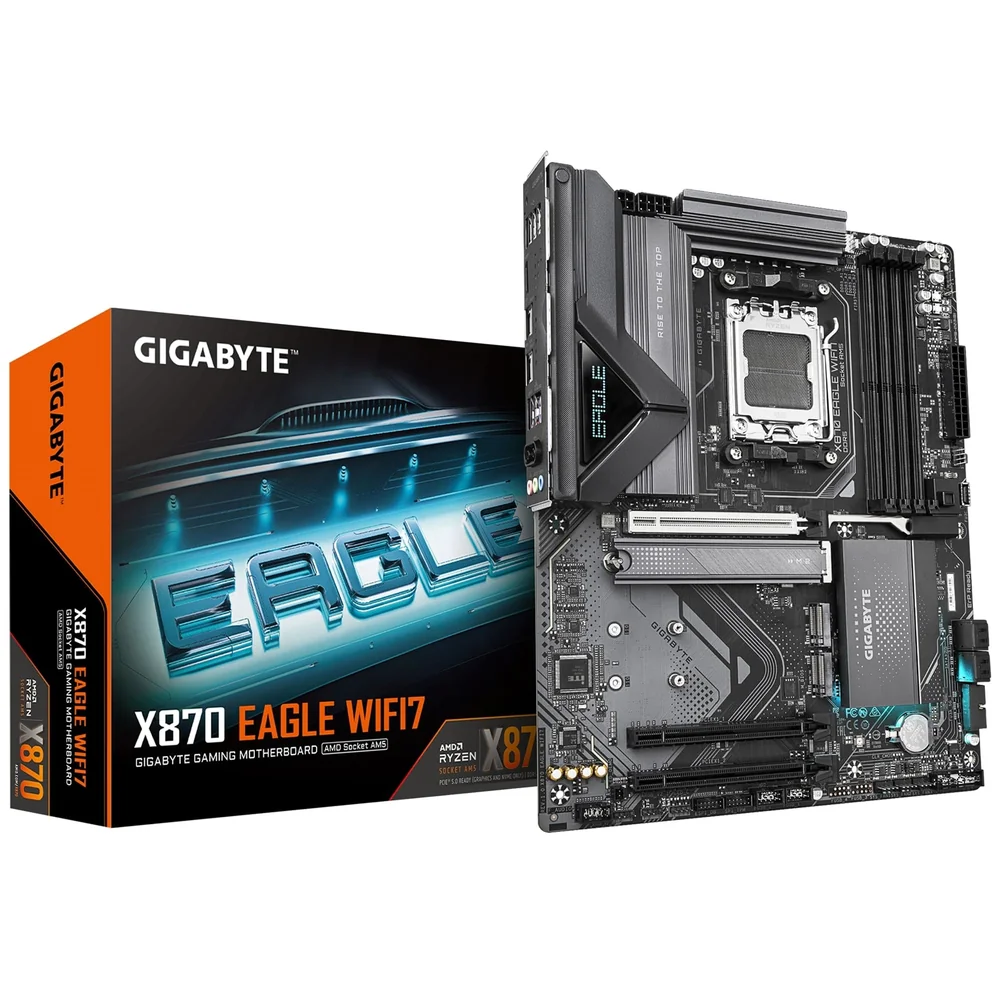
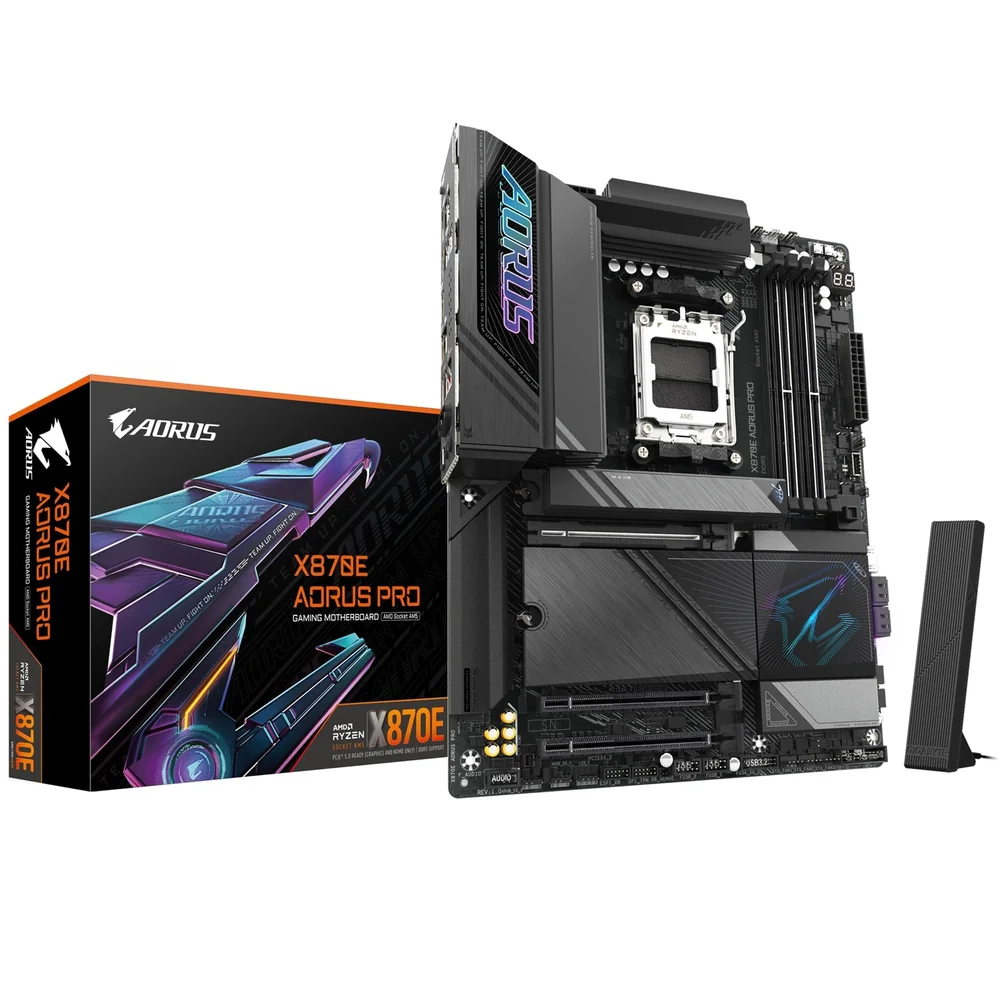
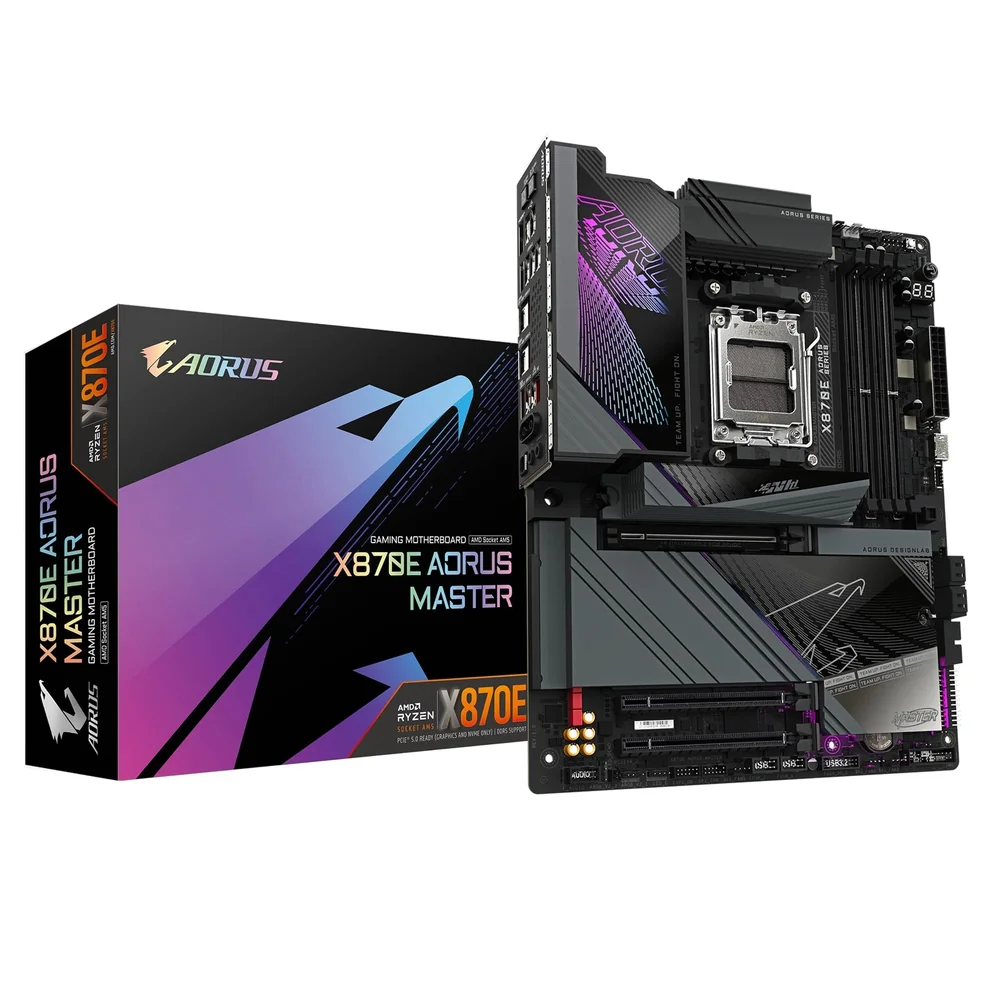
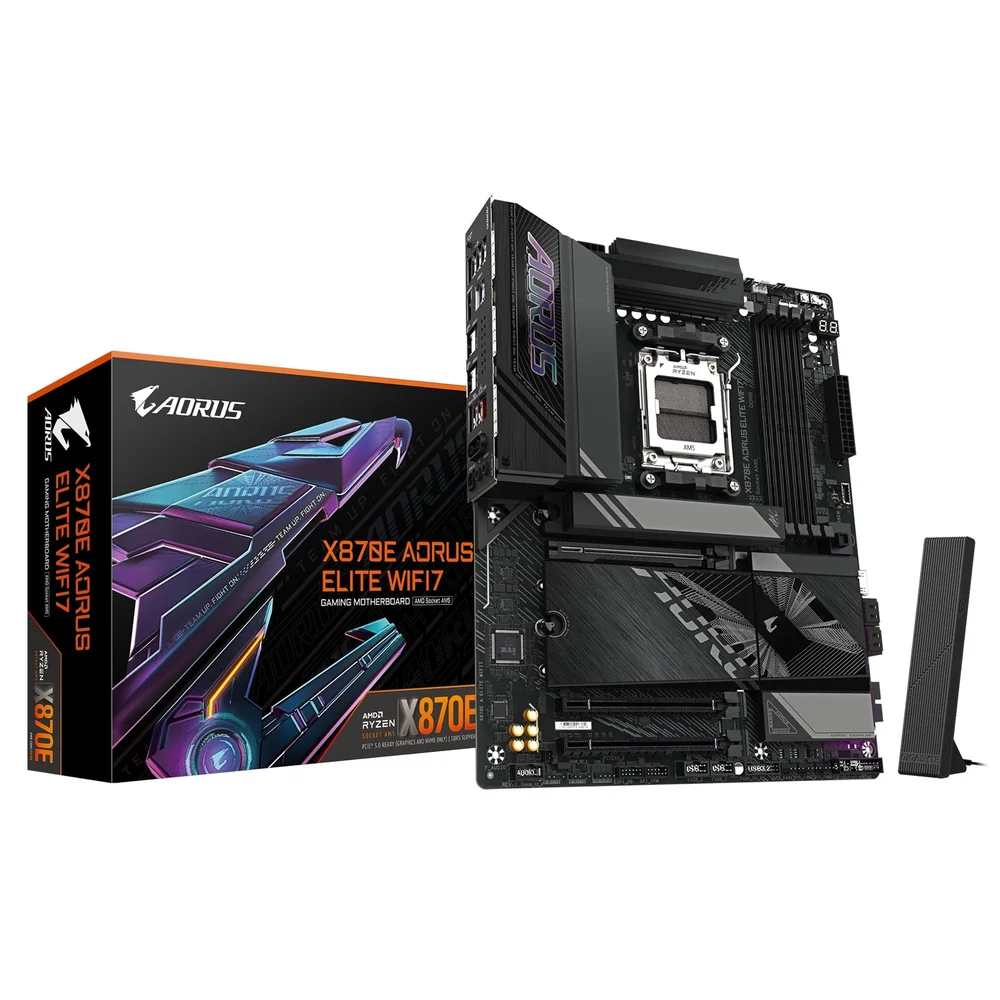
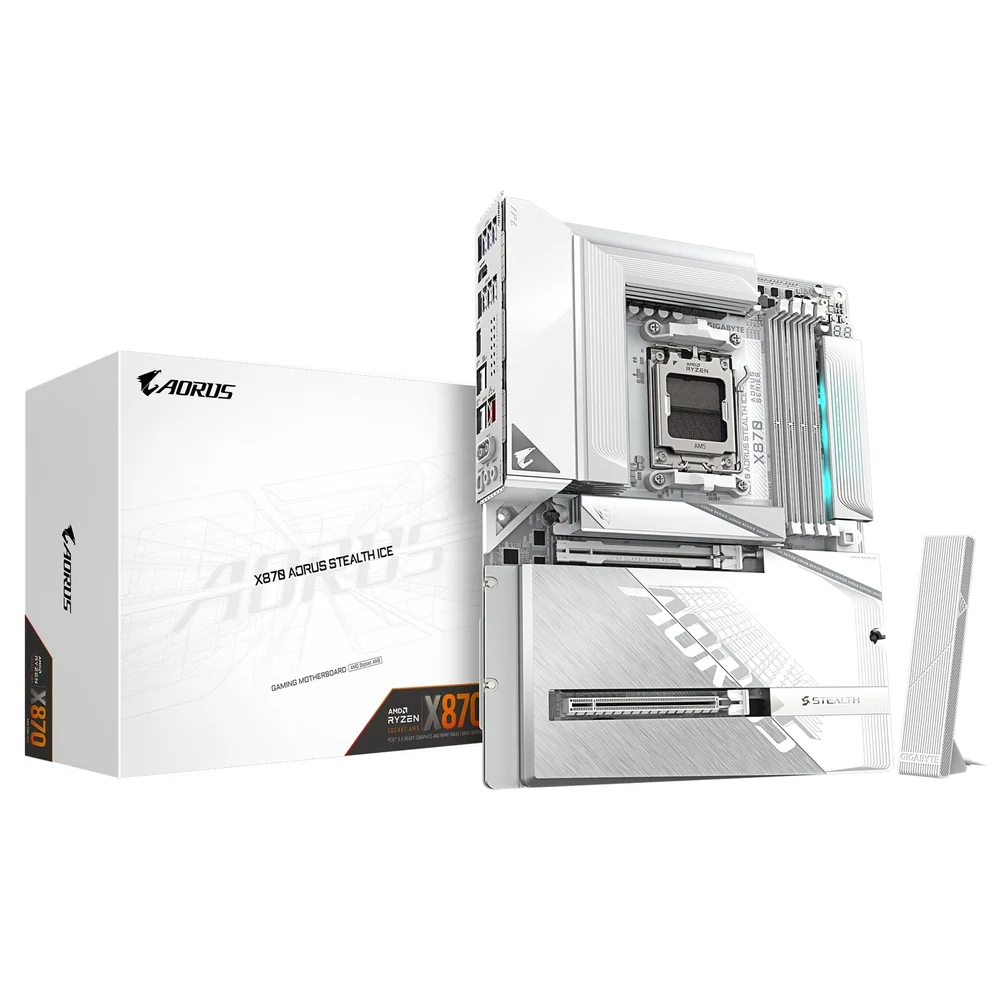
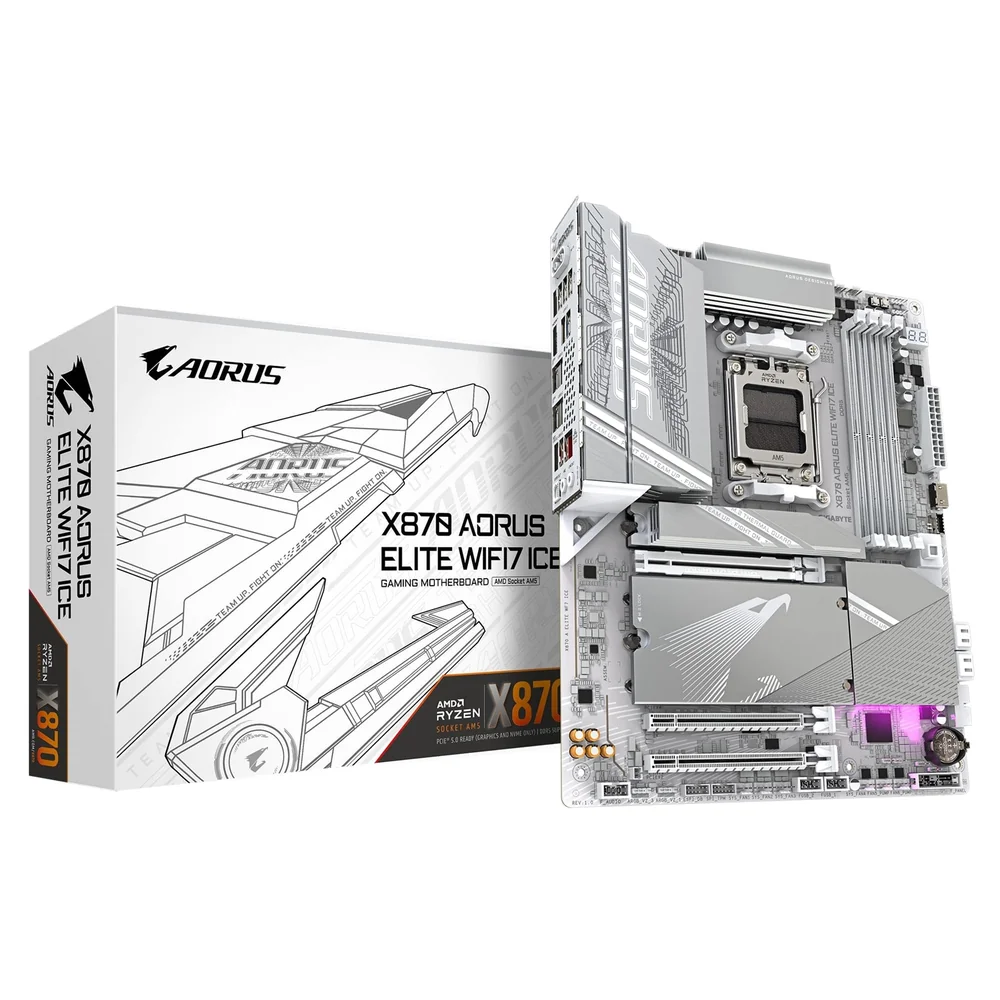
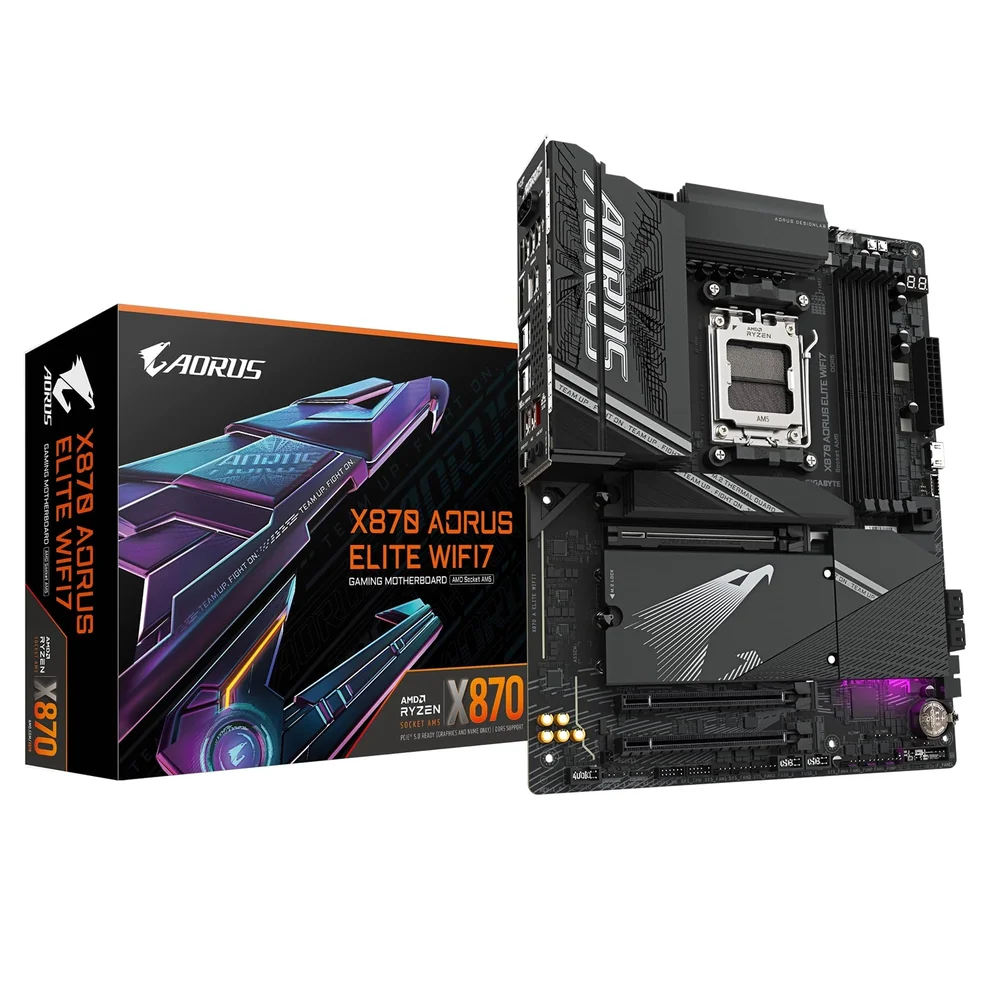
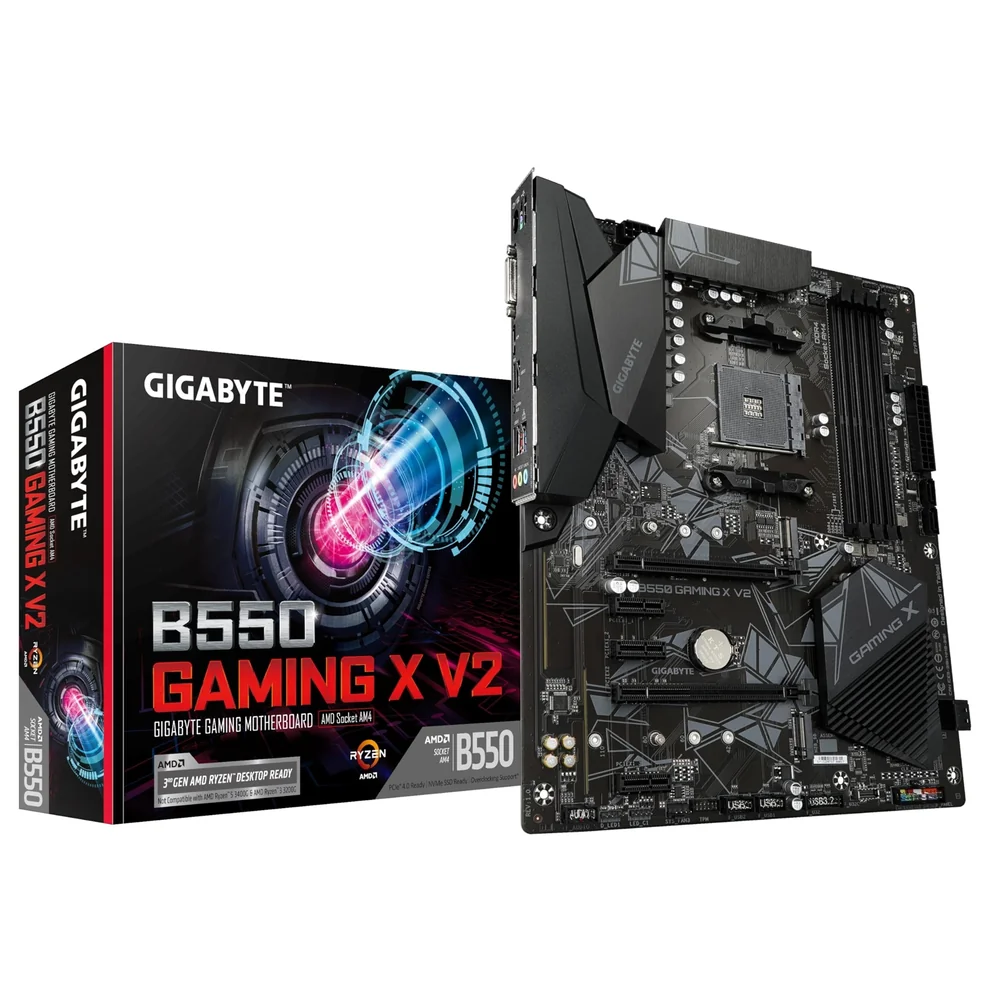
Durable Performance GIGABYTE Ultra Durable motherboards built with optimal components inside out provide the prime performance and timeless platform. Digital VRM Design 5+2+2 Phases Digital VRM Solution with Low RDS(on) MOSFETs EXPO & XMP Support GIGABYTE Exclusive DDR5 Circuit Design Future Connectivity The ultimate connectivity with blazing data-transfer speeds through the next generation network and storage. 2.5GbE LAN Supercharge your gaming with 2.5GbE LAN Achieve lightning-fast speeds, minimal lag, and unbeatable performance to elevate your gaming setup and dominate the competition. PCIe 4.0 Hardware Design GIGABYTE B650 Motherboards are ready to work with the PCIe 4.0 devices which are expected to experience twice bandwidth than the current PCIe 3.0 devices. To reach the high speed and maintain good signal integrity, GIGABYTE R&D uses the low impedance PCB to provide the maximum performance. Hi-Fi Audio High-End Audio Capacitors GIGABYTE motherboards use high-end audio capacitors. These high quality capacitors help deliver high resolution and high fidelity audio to provide the most realistic sound effects for gamers. Audio Noise Guard GIGABYTE motherboards feature an audio noise guard that essentially separates the board’s sensitive analog audio components from potential noise pollution at the PCB level. Easy Friendly Innovative and intuitive hardware, software, and BIOS interface design to create your personal style. EZ-Latch Unlock the latch of the PCIe slot easily when remove the graphics card in the PCIe slot. Q-Flash Plus Update the BIOS easily without installing the CPU, memory and graphics card. With GIGABYTE Q-Flash Plus, you don't need to install the CPU, memory and graphics card nor enter the BIOS menu to flash the BIOS. Just download and save a new BIOS file (rename to gigabyte.bin) on the USB flash drive, then press the dedicated Q-Flash Plus button and you’re good to go! STEP 1: Plug 24pin & 8pin power supply cable on motherboard STEP 2: Download motherboard BIOS file and rename to ""gigabyte.bin"", save to USB flashdrive, and plug USB flashdrive into Q-Flash USB port STEP 3: Press Q-Flash Plus button, and motherboard will start updating BIOS automatically. Smart Fan 6 Smart Fan 6 contains several unique cooling features that ensure gaming PC maintain its performance while staying cool and quiet. Multiple fan headers can support PWM/DC fan and pump, and users can easily define each fan curve based on different temperature sensors across the board via intuitive user interface. Cooling Features High Current Support: Each fan headers support PWM and DC fan and Water Cooling Pump , and up to 24W (12V x 2A) with Over-Current Protection Precision Control: Multiple temperature/fan speed control points for precise fan curve Dual Curve Mode: Slope/Stair dual mode for different user scenario Fan Stop: Fan can stop completely below users' specified temperature point Smart Fan 6 BIOS UI Improve fan curve UI: We increase control points from 5 to 7 and larger fan speed graph for precise and easier fan curve control. Slope/Stair dual graph mode: Fan curve can be quickly switch with Slope and Stair modes for different user scenario. Slope is traditional and intuitive linear fan speed curve. With newly added Stair non-linear mode, fan keeps at same speed between specified temperature interval. Manual Input: For advanced users, we provide fan speed manual input for more precise control. EZ Tuning: Use can place 4 EZ Tuning points at rough temperature/fan speed, and Smart Fan 6 can quickly generate a fan curve. Fan curve profile: Fan curve profile can be saved in BIOS ROM, profile will be kept after updating BIOS. Key Features AMD Socket AM5:Supports AMD Ryzen 7000 Series Processors Unparalleled Performance:5+2+2 Phases Digital VRM Solution Dual Channel DDR5:4 SMD DIMMs with AMD EXPO & Intel XMP Memory Module Support SuperSpeed Storage:PCIe 4.0 x4 M.2 Connector EZ-Latch:PCIe x16 Slot with Quick Release Design Fast Networks:2.5GbE LAN Extended Connectivity:2 DP, HDMI Smart Fan 6:Features Multiple Temperature Sensors, Hybrid Fan Headers with FAN STOP Q-Flash Plus:Update BIOS Without Installing the CPU, Memory and Graphics Card Specifications CPU AMD Socket AM5, support for: AMD Ryzen 7000 Series Processors Chipset AMD B650 Memory Support for DDR5 7600(OC)/ 7200(OC)/ 7000(OC)/ 6800(OC)/ 6600(OC)/ 6400(OC)/ 6200(OC)/ 6000(OC)/ 5600(OC)/ 5200/ 4800 MT/s memory modules 4 x DDR5 DIMM sockets supporting up to 192 GB (48 GB single DIMM capacity) of system memory Dual channel memory architecture Support for non-ECC Un-buffered DIMM 1Rx8/2Rx8/1Rx16 memory modules Support for AMD EXtended Profiles for Overclocking (AMD EXPO™) and Extreme Memory Profile (XMP) memory modules Onboard Graphics Integrated Graphics Processor with AMD Radeon Graphics support 2 x DisplayPorts, supporting a maximum resolution of 3840x2160@144 Hz Support for DisplayPort 1.4 version. 1 x HDMI port, supporting a maximum resolution of 4096x2160@60 Hz Support for HDMI 2.1 version and HDCP 2.3. Support for native HDMI 2.1 TMDS compatible ports. Support for up to triple-display at the same time (Graphics specifications may vary depending on CPU support.) Audio Realtek Audio CODEC High Definition Audio 2/4/5.1/7.1-channel LAN Realtek 2.5GbE LAN chip (2.5 Gbps/1 Gbps/100 Mbps) Expansion Slots CPU 1 x PCI Express x16 slot, supporting PCIe 4.0 and running at x16 Chipset 1 x PCI Express x1 slot, supporting PCIe 3.0 and running at x1 Storage Interface Integrated in the CPU 1 x M.2 connector (Socket 3, M key, type 2580 PCIe 4.0 x4/x2 SSD support) (M2A_CPU) Chipset 1 x M.2 connector (Socket 3, M key, type 22110/2280 PCIe 4.0 x4/x2 SSD support) (M2C_SB) 4 x SATA 6Gb/s connectors RAID 0, RAID 1, and RAID 10 support for NVMe SSD storage devices RAID 0, RAID 1, and RAID 10 support for SATA storage devices USB CPU 1 x USB Type-C port on the back panel, with USB 3.2 Gen 1 support 1 x USB 3.2 Gen 1 port on the back panel 1 x USB 2.0/1.1 port on the back panel Chipset 2 x USB 3.2 Gen 1 ports on the back panel 1 x USB Type-C port with USB 3.2 Gen 1 support, available through the internal USB header 2 x USB 3.2 Gen 1 ports available through the internal USB header 5 x USB 2.0/1.1 ports (1 port on the back panel, 4 ports available through the internal USB headers) Internal I/O Connectors 1 x 24-pin ATX main power connector 1 x 8-pin ATX 12V power connector 1 x CPU fan header 2 x system fan headers 2 x addressable LED strip headers 1 x RGB LED strip header 2 x M.2 Socket 3 connectors 4 x SATA 6Gb/s connectors 1 x front panel header 1 x front panel audio header 1 x USB Type-C header, with USB 3.2 Gen 1 support 1 x USB 3.2 Gen 1 header 2 x USB 2.0/1.1 headers 1 x Trusted Platform Module header (For the GC-TPM2.0 SPI/GC-TPM2.0 SPI 2.0/GC-TPM2.0 SPI V2 module only) 1 x Q-Flash Plus button 1 x reset jumper 1 x Clear CMOS jumper Back Panel Connectors 1 x PS/2 keyboard/mouse port 1 x USB Type-C port, with USB 3.2 Gen 1 support 3 x USB 3.2 Gen 1 ports 2 x USB 2.0/1.1 ports 1 x HDMI port 2 x DisplayPorts 1 x RJ-45 port 3 x audio jacks I/O Controller iTE I/O Controller Chip H/W Monitoring Voltage detection Temperature detection Fan speed detection Fan fail warning Fan speed control BIOS 1 x 256 Mbit flash Use of licensed AMI UEFI BIOS PnP 1.0a, DMI 2.7, WfM 2.0, SM BIOS 2.7, ACPI 5.0 Unique Features Support for GIGABYTE Control Center (GCC) Available applications in GCC may vary by motherboard model. Supported functions of each application may also vary depending on motherboard specifications. Support for Q-Flash Support for Q-Flash Plus Bundled Software Norton Internet Security (OEM version) LAN bandwidth management software Operating System Support for Windows 11 64-bit Support for Windows 10 64-bit Form Factor Micro ATX Form Factor; 24.4cm x 24.4cm
The seller of this product is solely responsible for the accuracy of the information provided on this listing. AEM Labs does not guarantee the accuracy of the information provided on this page.
Only customers with a platform account can leave a review on the marketplace. They can only be written after a purchase has been made, thereby ensuring every review on the marketplace is verified. Automated reviews are written on behalf of a customer if certain conditions are met. AEM Labs does this to provide more information to other marketpalce users and help them buy and sell with confidence.
This seller has not received any reviews yet. Only buyers who have purchased from this seller can leave a review.
These policies are set by the seller upon registration and apply to their entire store. AEM Labs does not enforce and is not responsible for these policies. Message this seller for further information, or contact support if something is wrong.


Tech news, reviews, and guides from the Lab Journal by AEM Labs.
Sell your tech now. Windows 10’s sunset and AI PCs are really boosting demand. List on AEM Labs Marketplace with lifetime free seller accounts and 0% listing fees, plus UK support.
With GPUs hitting £1,200 and CPUs topping £400, new-gen builds have priced many UK consumers out of the market. Instead, the community thrives on second-hand hardware - a culture rooted in affordability, value cycles, and sustainability through reuse and right-to-repair.

CoreWeave and OpenAI have expanded their partnership with a new $6.5B contract, bringing the total to $22.4B in 2025. The deal supports OpenAI’s Stargate project, relies heavily on Nvidia hardware, and raises questions about concentration and regulatory scrutiny in AI infrastructure.

Nvidia’s $100B OpenAI deal promises 10GW of AI compute power by 2026. The company insists GPU supply for gamers won’t suffer, but with such massive demand on the horizon, many fear a repeat of past shortages. Is this the start of an AI-first Nvidia era, and what does it mean for PC gaming?

Nvidia’s $5B stake in Intel isn’t just about faster chips. It’s a U.S. chip alliance forged in the shadow of a trade war with China - a lifeline for Intel to stay competitive, and a move that could reshape how PC gamers and data centers power their systems.
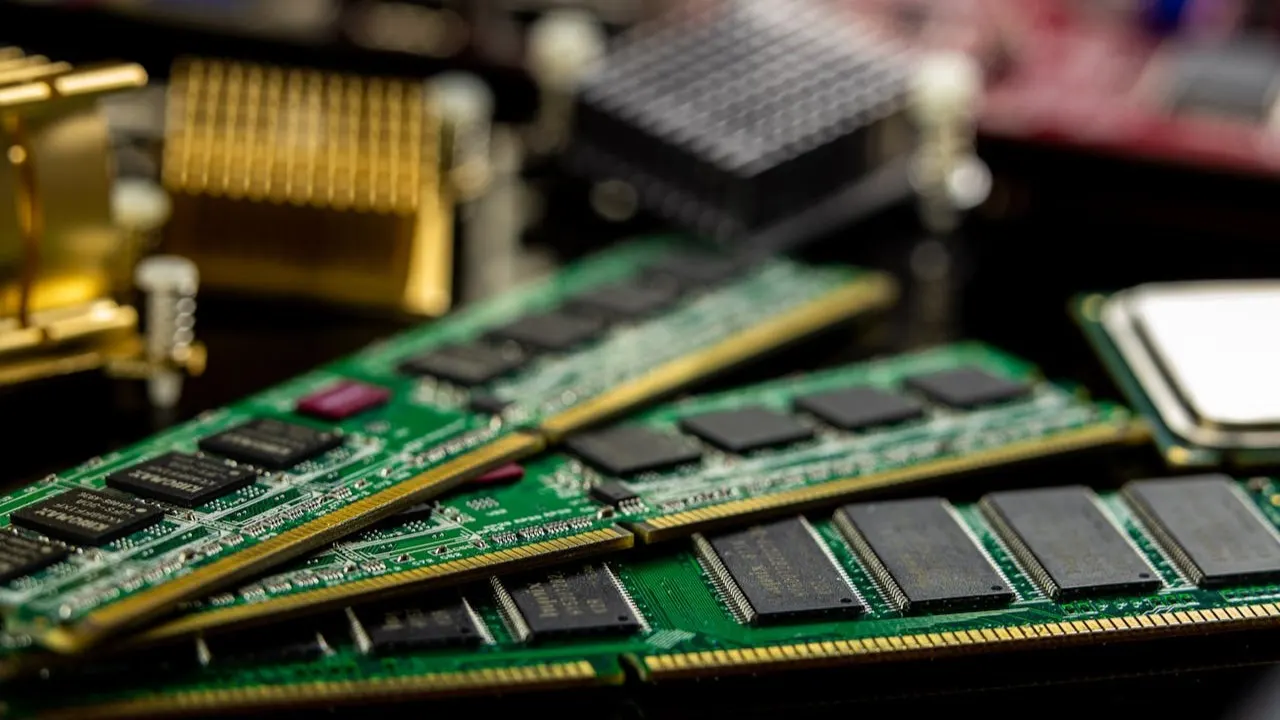
PC parts don’t just lose value.. they cycle. New launches push buyers toward older GPUs and CPUs, reducing supply and raising demand. Here’s why second-hand components stay valuable and how sellers can prepare them for resale.
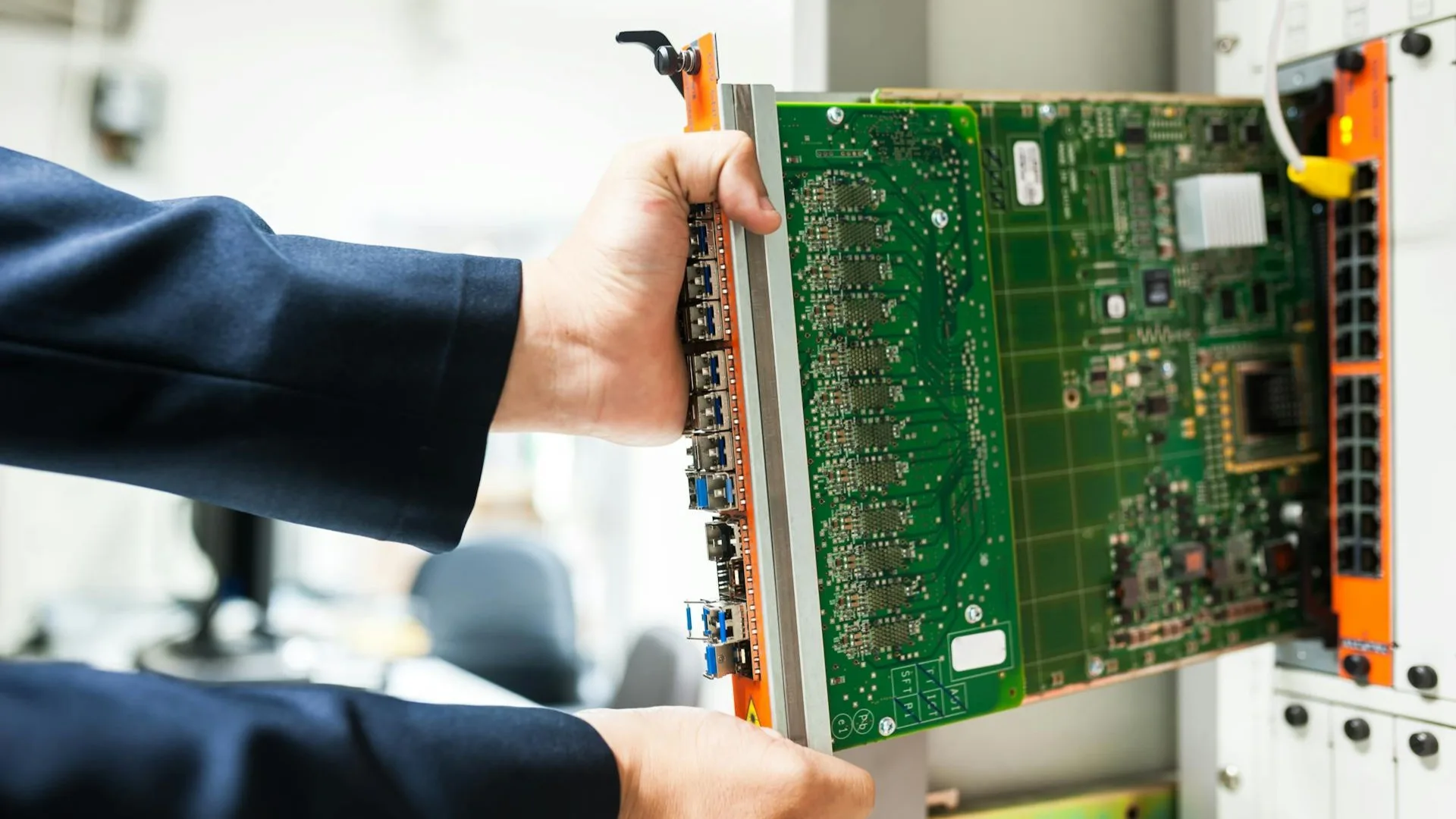
Windows 10 dies in Oct 2025... but you can continue using it safely. Spend a 6 minute read to learn what it really means, what Microsoft's ESU offers, who qualifies, and how to protect your system while others rush to Windows 11.

Microsoft have pulled the plug. Support for Windows 10 ends in 14 October 2025. Truth be told, not every PC can run Windows 11. Here’s the truth about Microsoft’s requirements, why TPM matters, and what to do if your PC is left behind.
From fake components to disappearing sellers — pre-owned PC deals can go wrong fast. In this post we share 5 true-Reddit horror stories of buying or selling used hardware, plus practical tips you can use to protect yourself every time you trade.
When we built AEM Labs, we knew the marketplace itself was only part of the bigger picture. Buying and selling hardware is important - but the real strength comes from the community. That’s why we’ve built several spaces where you can connect, learn, and have a say in what we do at AEM.
Already have an account? Sign in
Remember your password? Back to Sign In